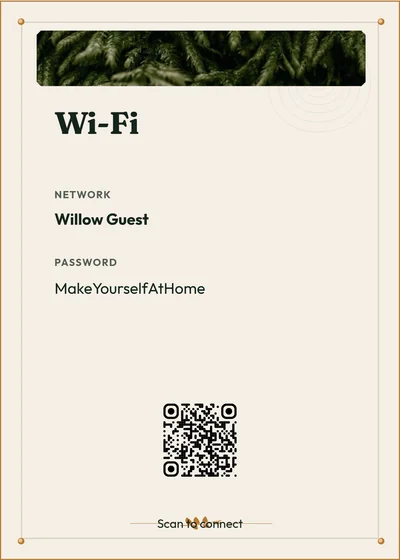
“What’s the Wi-Fi password?” Answer it with a free Airbnb Wi-Fi sign
Enter your guest network and password, choose a style, and download a free Wi-Fi QR sign as a PDF or PNG for your Airbnb or vacation rental. Guests scan the code, or type the network name and password printed beside it.
Free to customize and download. No account needed.
Modern Minimal · Example from the builder. Replace the sample content with your own.
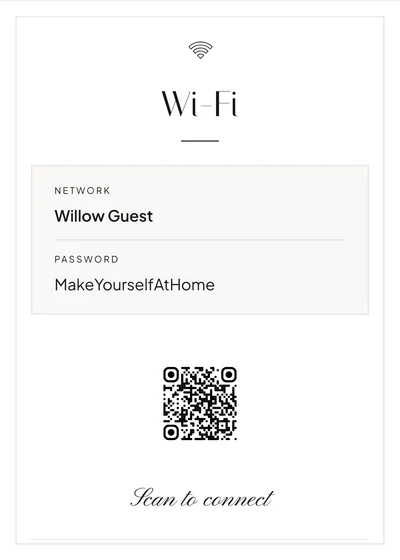
From browser to print
- Open the Wi-Fi builder and enter the exact guest network name and password.
- Choose a style and check the text and QR preview.
- Download a PDF or PNG and print it at actual size.
- Scan the printed code with a guest device before displaying it.
A Wi-Fi QR code contains the network credentials, so display only details intended for guests. StayPerk is not affiliated with Airbnb.
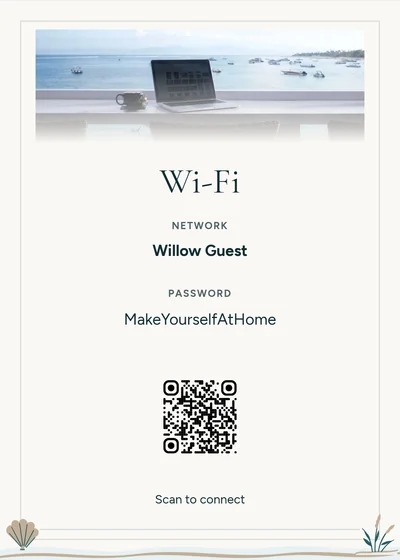
Make it yours
- Guest network name, password, heading and Wi-Fi QR code.
- Style, colors, type size, logo and QR size, placement and appearance.
- A print size for a bedside frame, counter or welcome folder.
Print sizes and downloads
- Sizes
- A4, US Letter, 8 × 10, 5 × 7 or 4 × 6 inches, chosen in the builder.
- Files
- PDF downloads are free. Signs also download as PNG.
- Account
- Not needed to download. Without one, your work stays in this browser; choose Save to keep it in an account.
- Printing
- Preview each page at its chosen size and print at actual size. Printing and framing costs depend on your provider.
A book, a digital guide, or both
Use a printable Welcome Book and signs at the property, a digital manual shared by link, or both. You can reuse supported guest information from either format to create the other.
Review each version before sharing; photos, layout and later changes do not automatically transfer or synchronize. Videos and supported optional paid guest add-ons are available in the digital manual.
See the step-by-step guide and Etsy / Canva comparisonFrequently asked questions
How does the Wi-Fi QR code work?
The code holds your guest network name and password, so a phone that scans it can offer to join. Connection behavior depends on the device and the network, so guests can also type the details printed on the sign.
Is it safe to put my Wi-Fi password on a sign?
Anyone who scans the code or reads the sign can join that network. Display only a network and password intended for guests.
Is a Wi-Fi QR code the same as a website QR code?
No. A Wi-Fi code joins a network. A website QR code opens a page, such as your digital guest manual; make one with the free QR code generator.
Is it free, and do I need an account?
It’s free to customize and download as a PDF or PNG, and you don’t need an account to download.
Is StayPerk affiliated with Airbnb?
No. StayPerk is not affiliated with Airbnb. The sign works for any vacation rental.
Answer the Wi-Fi question before it’s asked
Enter your network, choose a style and download a free PDF or PNG. No account needed.