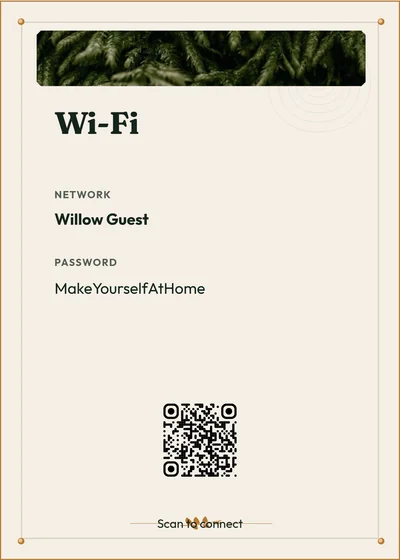
Guests look for answers on the spot. Put them on free vacation rental signs.
A short sign by the router, the bathroom or the coffee maker answers the question before it reaches your phone. Make free printable guest signs for Wi-Fi, welcomes, bathroom reminders, social links and appliance instructions, customize them in your browser, and download a PDF or PNG.
Free to customize and download. No account needed.
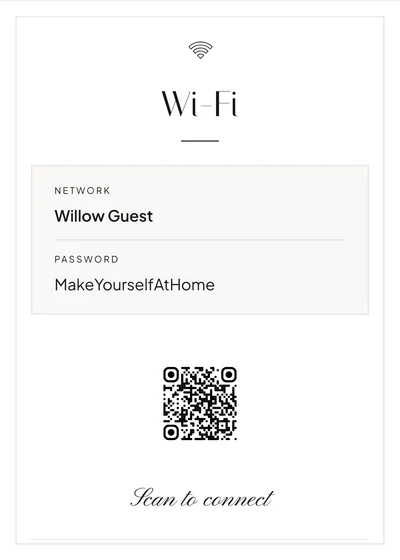
Modern Minimal · Example from the builder. Replace the sample content with your own.
From browser to print
- Choose a style and the sign you need.
- Add the details guests need at that location.
- Check the preview at its print size, then download a PDF or PNG.
- Print at actual size and test any QR code on the final print.
Place a short sign close to the task it explains, and keep the full instructions in your Welcome Book.
Make it yours
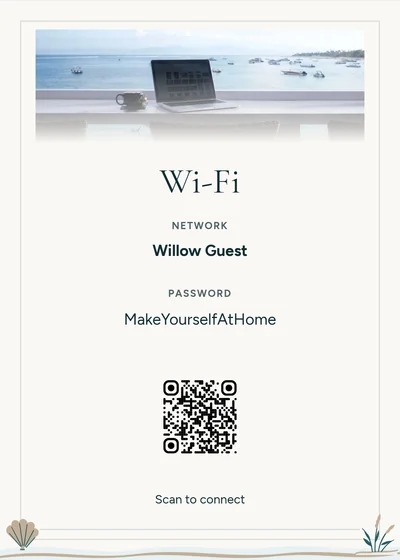
- Choose a ready-made sign or create a custom notice, QR sign, checklist or photo-and-text sign.
- Edit the wording, colors, type size, icons, logo and QR appearance.
- Use a consistent style across signs and your welcome book.
Print sizes and downloads
- Sizes
- A4, US Letter, 8 × 10, 5 × 7 or 4 × 6 inches, chosen in the builder.
- Files
- PDF downloads are free. Signs also download as PNG.
- Account
- Not needed to download. Without one, your work stays in this browser; choose Save to keep it in an account.
- Printing
- Preview each page at its chosen size and print at actual size. Printing and framing costs depend on your provider.
A book, a digital guide, or both
Use a printable Welcome Book and signs at the property, a digital manual shared by link, or both. You can reuse supported guest information from either format to create the other.
Review each version before sharing; photos, layout and later changes do not automatically transfer or synchronize. Videos and supported optional paid guest add-ons are available in the digital manual.
See the step-by-step guide and Etsy / Canva comparisonFrequently asked questions
Are the signs free?
Yes. Customizing a sign and downloading it as a PDF or PNG are free, and you don’t need an account to download. Printing and framing are up to you.
Which signs can I make?
Wi-Fi, welcome, bathroom reminders, social links and appliance instructions, or your own notice, QR sign, checklist or photo-and-text sign.
Will the signs match my Welcome Book?
Yes. Signs come in the same styles as the Welcome Book designs, so the book and every sign can share one look.
Can a sign link to my digital guide?
Yes. Add a QR code that opens a digital guide you have already published, then scan the printed sign to check it before you put it out.
Start with the sign guests need most
Customize it in your browser and download a free PDF or PNG. No account needed.