Modern Luxury
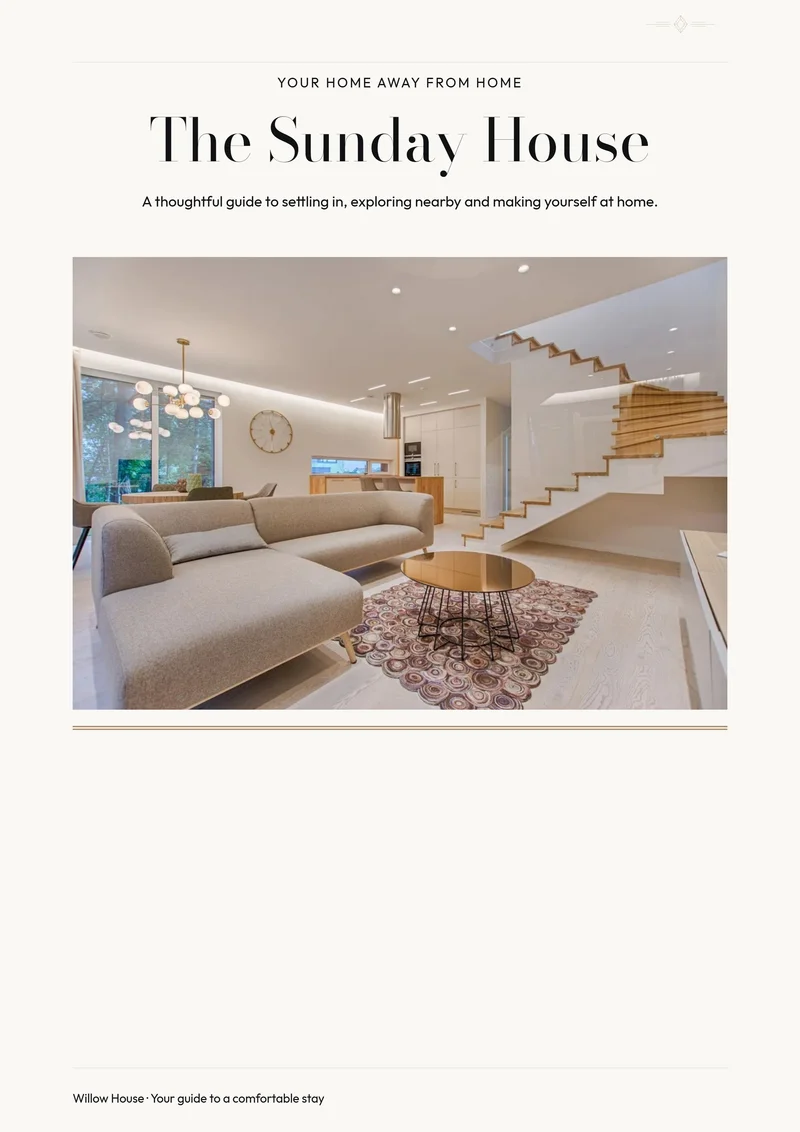
A centered editorial title, architectural photo and exceptionally fine rules.
Boutique Hotel opens with a large photograph above the property name, using fine rules and a small diamond ornament to finish the page. It suits a rental whose furnishings and thoughtful details are part of the stay’s personality.
Best for: Distinctive apartments, small hospitality properties and rentals with collected furnishings.
Opens the editor with this design selected. Free to customize and download as a PDF, with no account needed to download and no Canva.
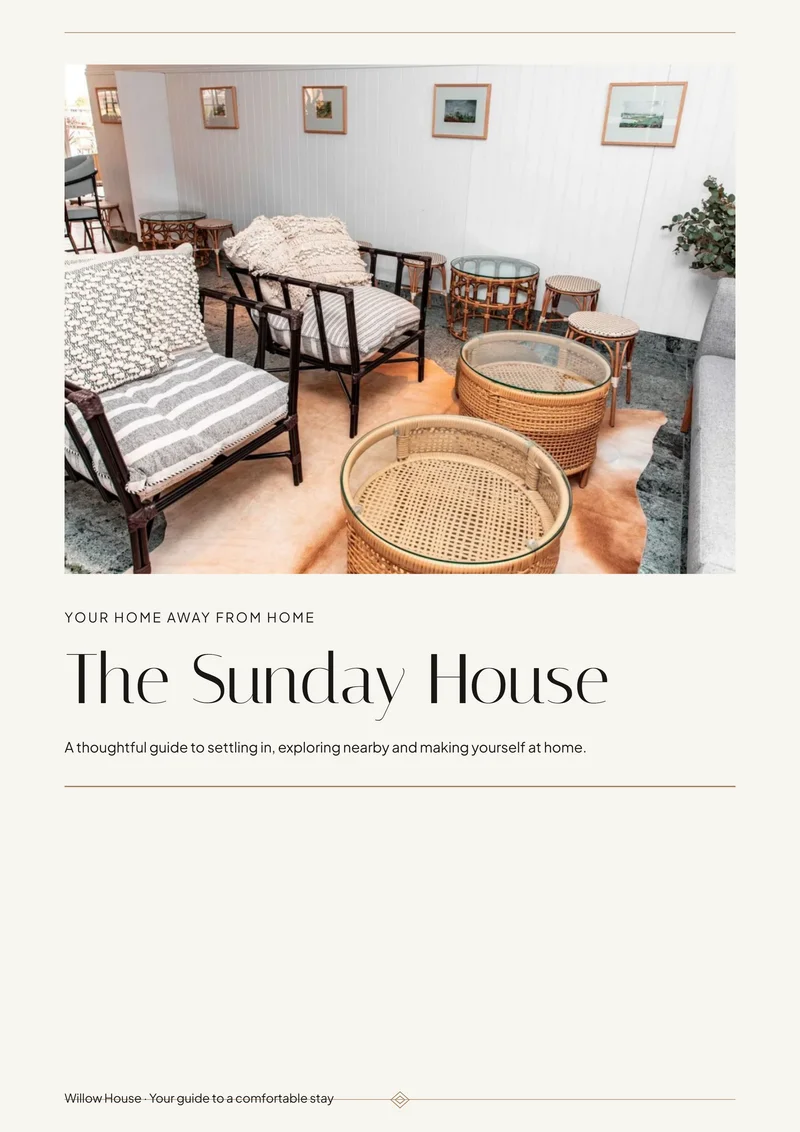
These are sample printable pages, including an example photo-column layout. Replace demonstration information and photography with your own; these are not photos of your property.
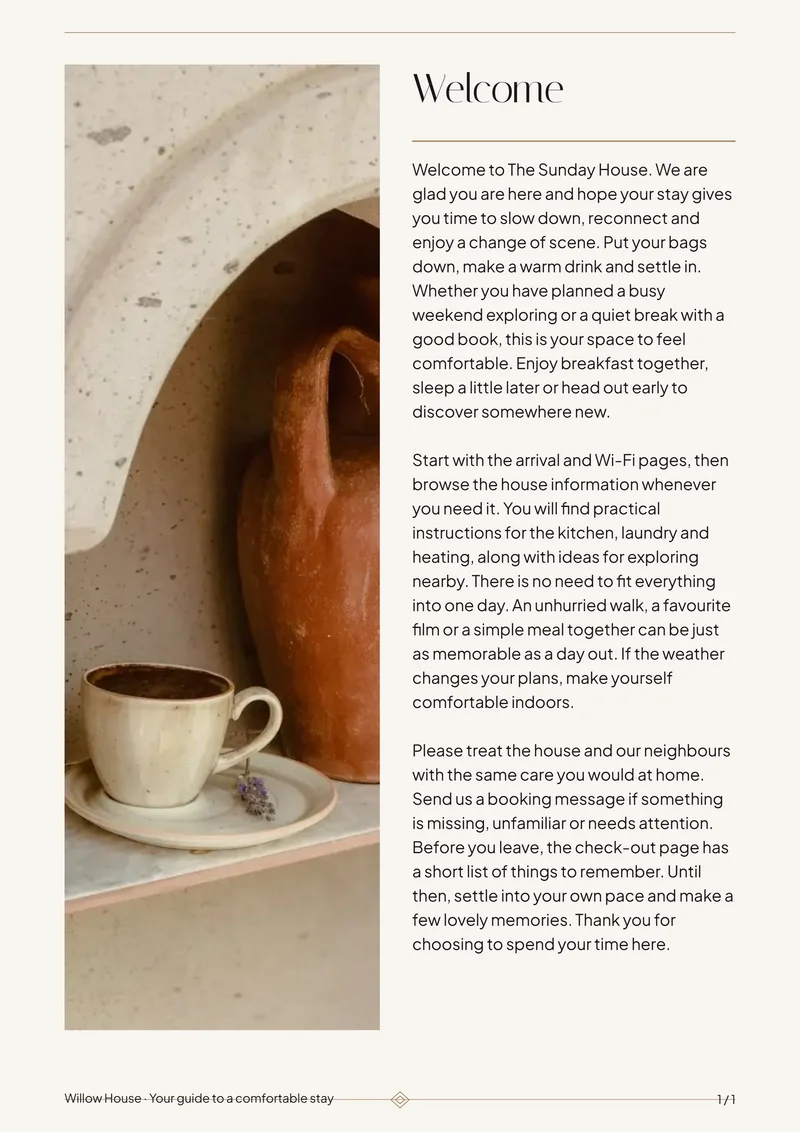
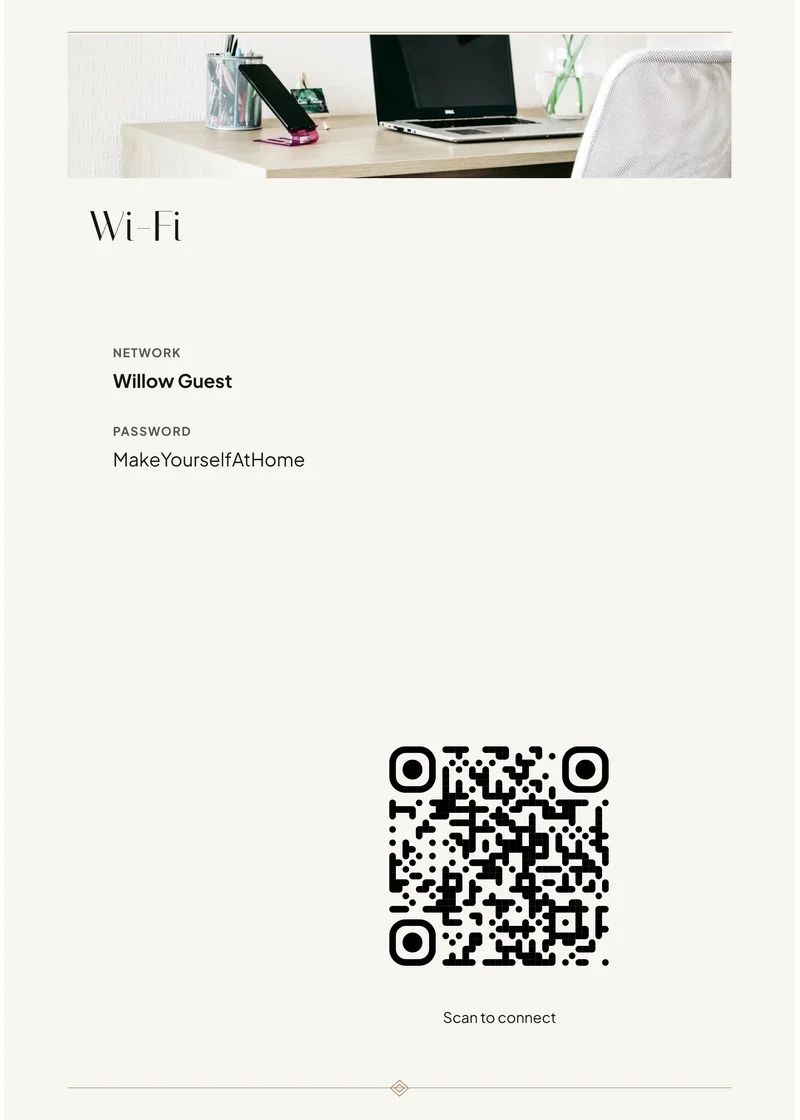
Choose a photograph of the space that best expresses your property’s personality. Add local recommendations in your own voice, and include the practical details guests need alongside those personal touches.
Choose this design, replace the sample details and photos, then check the preview and download your PDF. StayPerk handles the page layout while you edit the content. You can keep or remove pages and add more using the builder.
Start with ready-made guest-information pages: Welcome, About the house, Wi-Fi, Check-in, House rules, Amenities, Property instructions, Emergency information, Local recommendations, Check-out and a closing thank-you page, alongside the cover. Replace the sample details and remove anything you do not need.
Create a Welcome Book and compatible matching guest signs, including Wi-Fi, welcome, appliance instructions and short reminders. Download your finished PDF free; signs also support PNG. No account is required to download.
Modern Luxury moves the title above the photograph; Retro Retreat makes a more playful statement with colored stripes and rounded corners.
A centered editorial title, architectural photo and exceptionally fine rules.
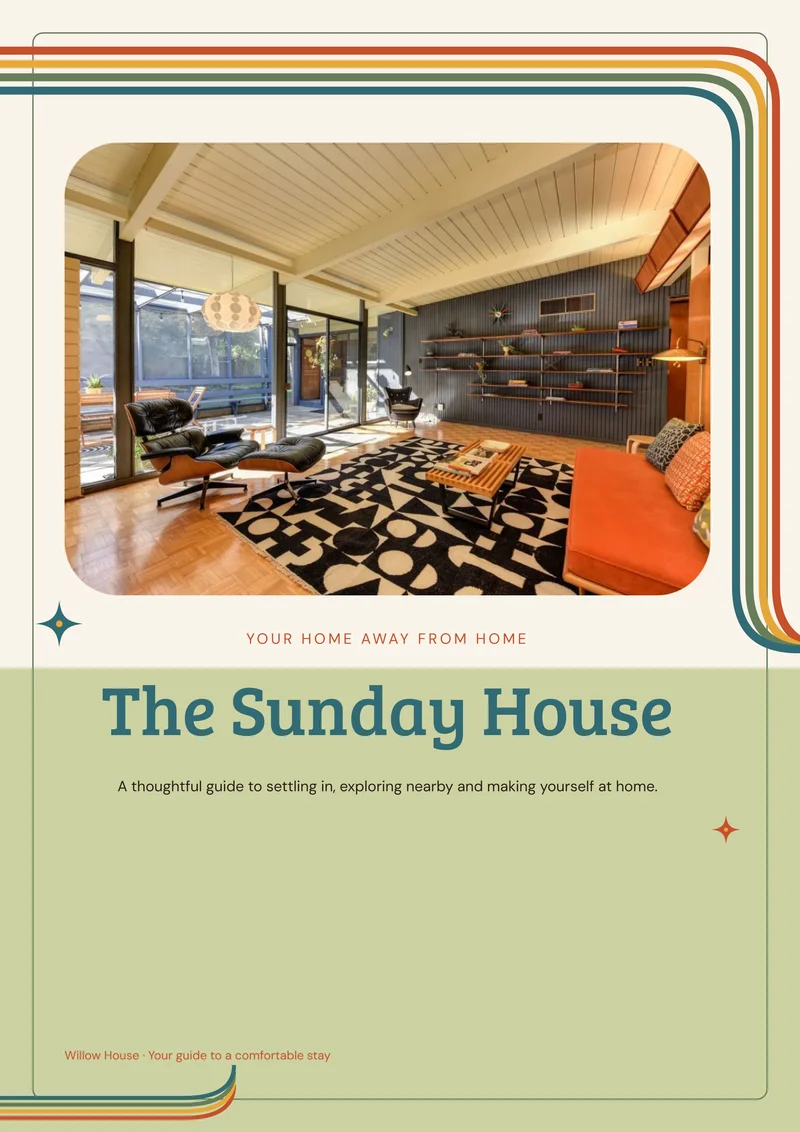
Rounded multicolor stripes, warm paper and a playful green cover panel.
Start with the printable version. Later, reuse supported guest information in a digital manual you can share by link, with videos and optional guest add-ons.
Review it before sharing; photos, print styling and later edits do not automatically transfer or stay synchronized.
Learn about printable and digital Welcome BooksThe button opens the editor with this design selected. Free to customize and download as a PDF, with no account needed to download and no Canva.