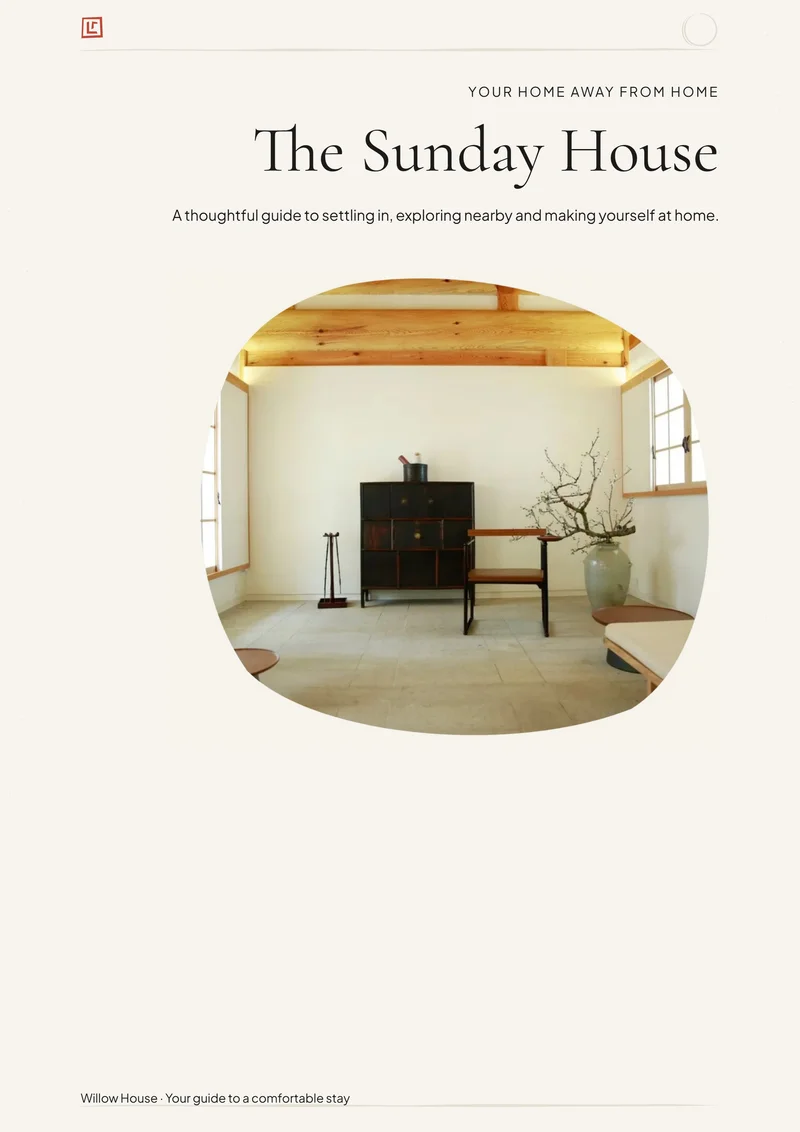
Japandi
Organic photo shapes and delicate details on warm pale paper.
Warm Neutral puts a simple property name above a rectangular cover photograph, finished with a subtle warm accent. The pale frame and comfortable spacing make it an inviting starting point for many different property styles.
Best for: Comfortable apartments, cottages and homes where the property photos should set the mood.
Opens the editor with this design selected. Free to customize and download as a PDF, with no account needed to download and no Canva.
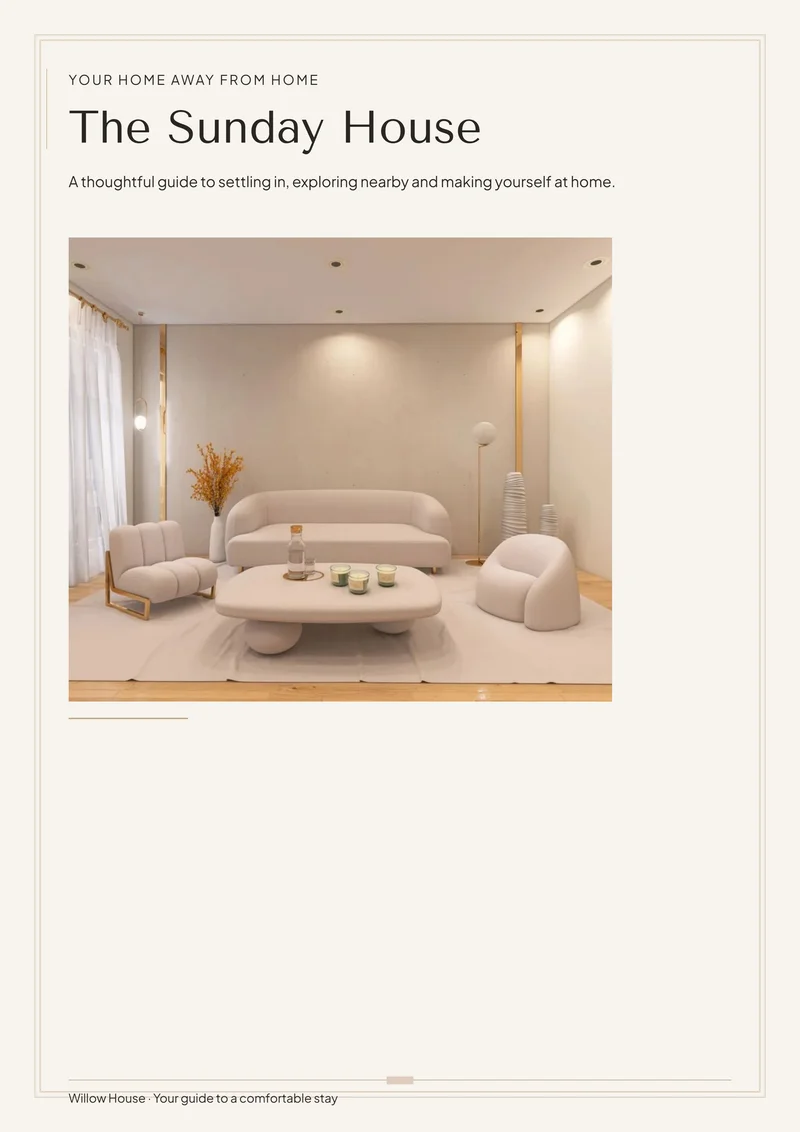
These are sample printable pages, including an example photo-column layout. Replace demonstration information and photography with your own; these are not photos of your property.
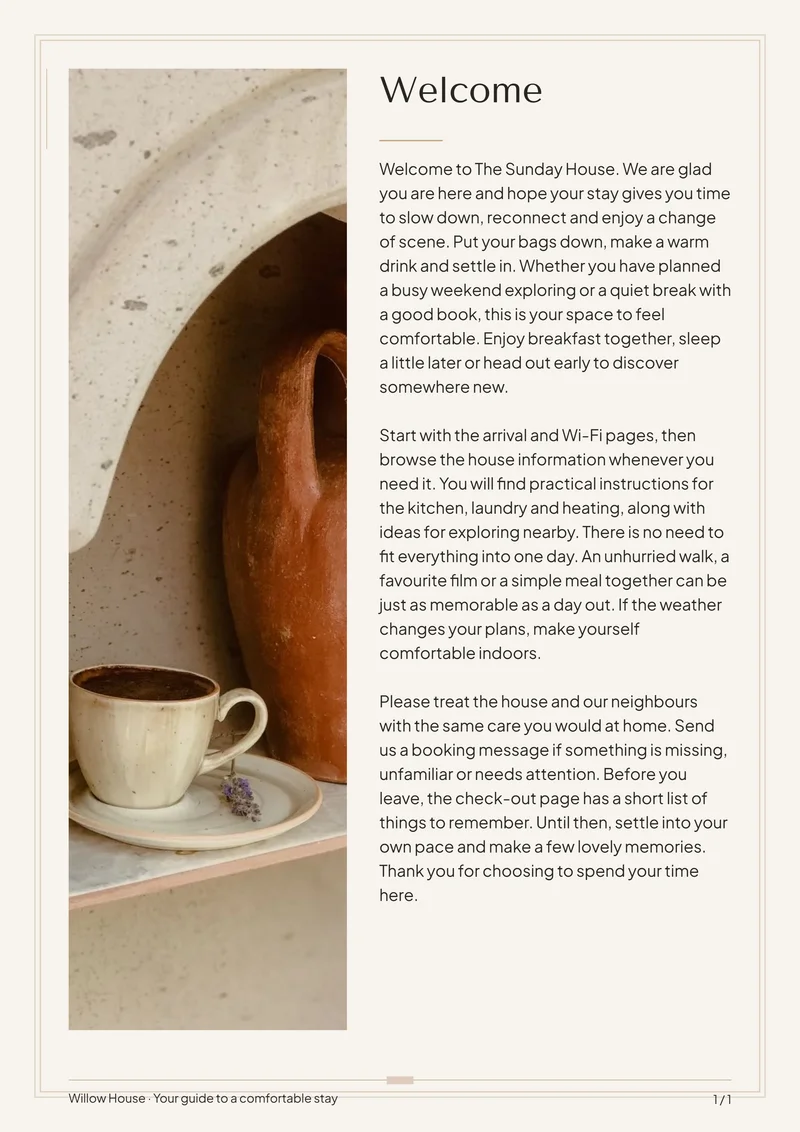
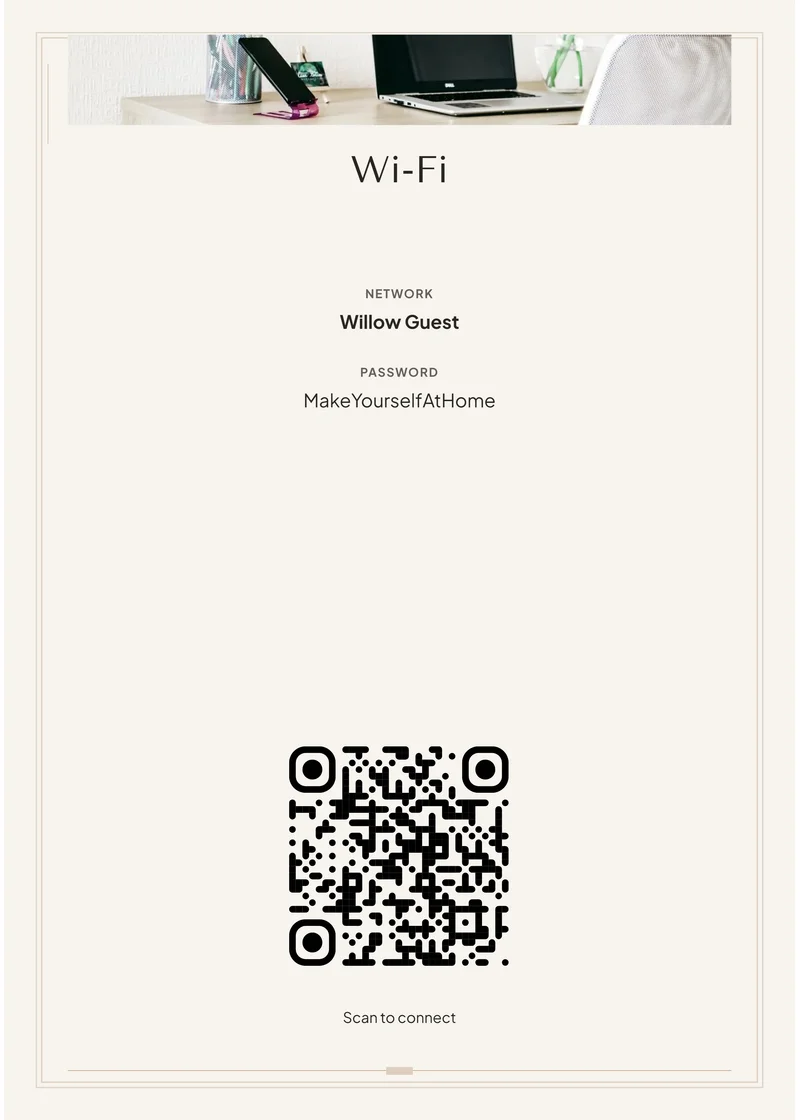
Try your best naturally lit room photograph and check that it remains clear against the pale paper. Add a personal welcome, then keep practical information separate so guests can find it quickly.
Choose this design, replace the sample details and photos, then check the preview and download your PDF. StayPerk handles the page layout while you edit the content. You can keep or remove pages and add more using the builder.
Start with ready-made guest-information pages: Welcome, About the house, Wi-Fi, Check-in, House rules, Amenities, Property instructions, Emergency information, Local recommendations, Check-out and a closing thank-you page, alongside the cover. Replace the sample details and remove anything you do not need.
Create a Welcome Book and compatible matching guest signs, including Wi-Fi, welcome, appliance instructions and short reminders. Download your finished PDF free; signs also support PNG. No account is required to download.
Japandi adds organic photo shapes; Country Farmhouse introduces stronger headings and small country-inspired illustrations.
Organic photo shapes and delicate details on warm pale paper.
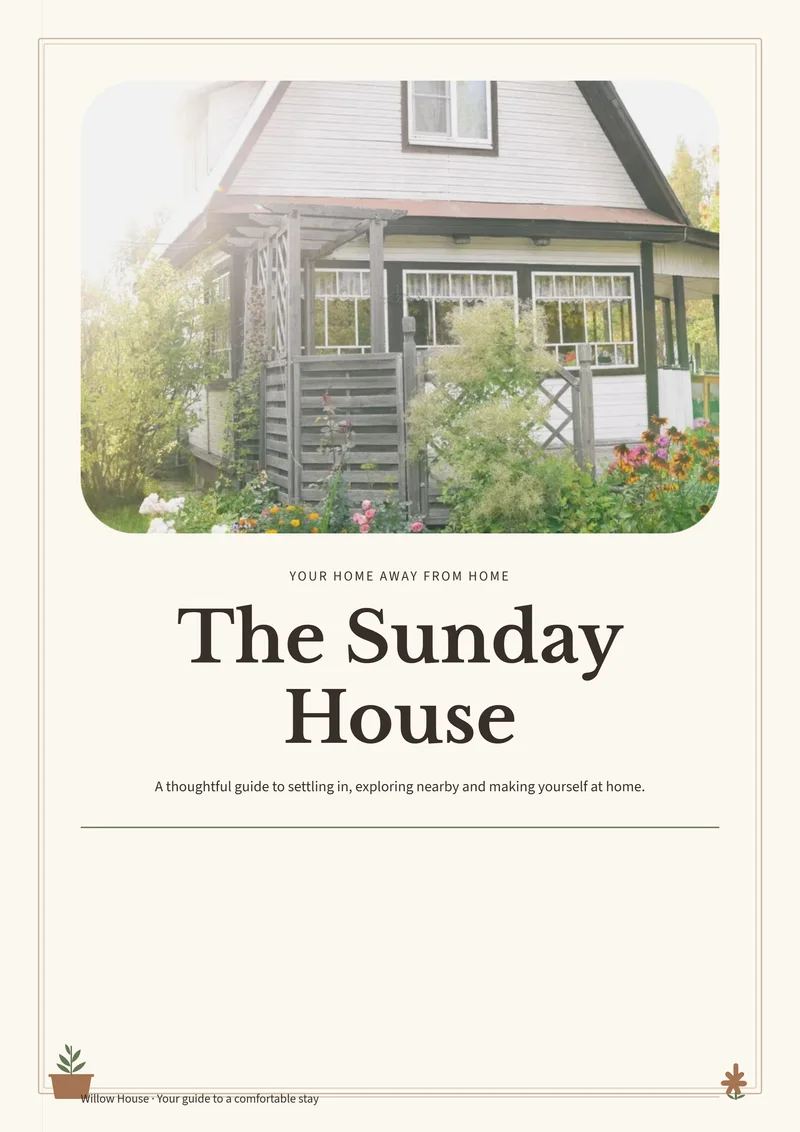
Soft photo corners, a substantial title and tiny potted-plant details.
Start with the printable version. Later, reuse supported guest information in a digital manual you can share by link, with videos and optional guest add-ons.
Review it before sharing; photos, print styling and later edits do not automatically transfer or stay synchronized.
Learn about printable and digital Welcome BooksThe button opens the editor with this design selected. Free to customize and download as a PDF, with no account needed to download and no Canva.